guide
research
What Is Vibe Coding, Anyway?
The short version
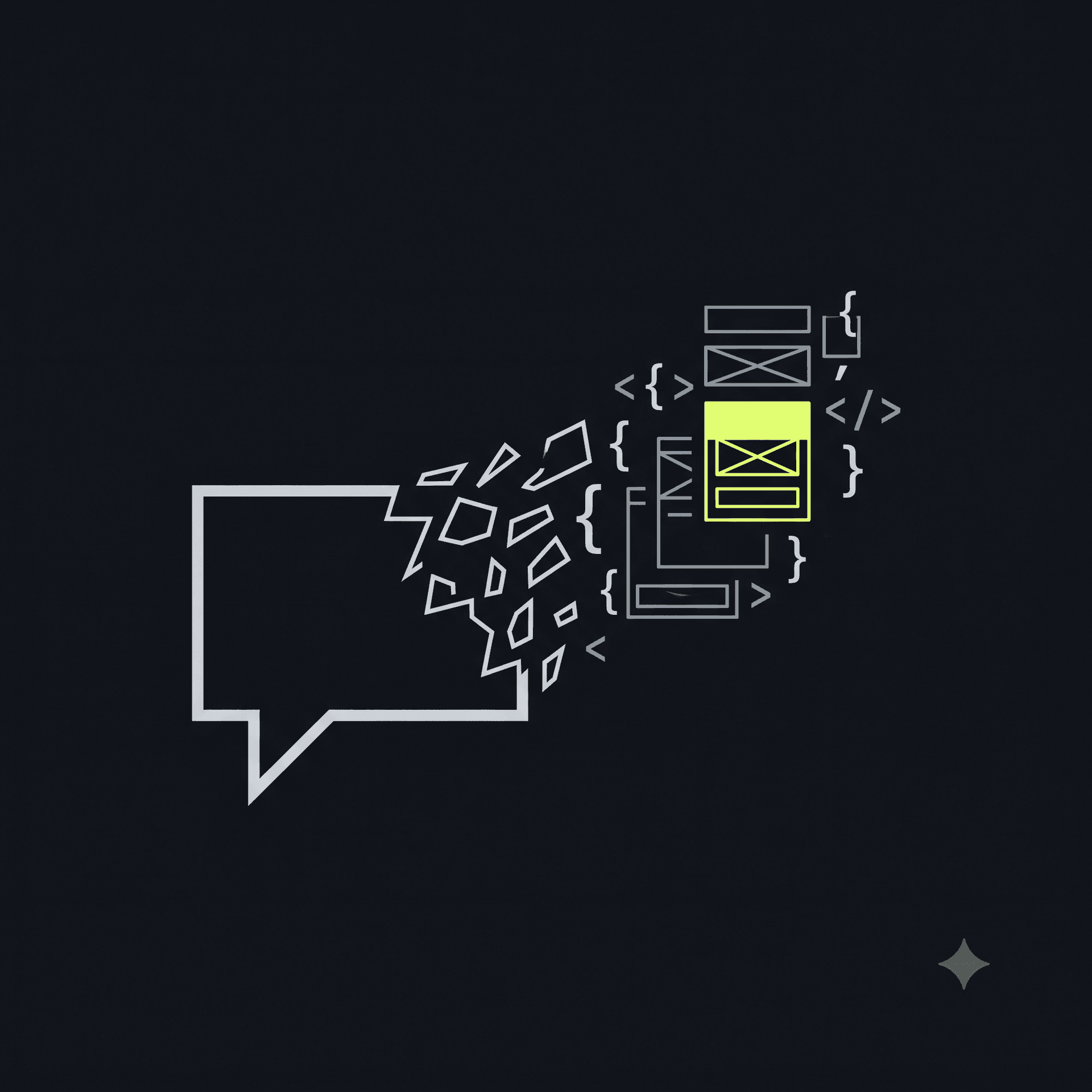
Vibe coding is building an app by describing what you want to an AI instead of writing the code yourself. You type "build me a waitlist page with an email signup form that saves to a database," and tools like Lovable, Bolt, Replit, and v0 generate a working app — front end, back end, database, the whole thing — in minutes.
It's not a toy anymore. Real, revenue-generating products are being vibe-coded by people with zero engineering background. That's the appeal: the AI handles the part that used to require years of training. The tradeoff is that it also hides the part that used to force you to understand what you were shipping.
Why this term exists
A few years ago, "no-code" meant dragging blocks around a visual builder with hard limits on what you could actually build. Vibe coding is different — the AI is writing real code, in real frameworks, with a real database behind it. You get the flexibility of a custom-built app with the speed of describing it in a sentence.
The catch: when a developer writes code by hand, they're forced to think about where things live — which values are secret, which routes need auth, which database tables should be locked down. When an AI generates the same app in ten seconds, that thinking doesn't automatically happen. The app works. Whether it's safe is a separate question nobody asked.
Terms you'll actually run into
If you're vibe coding, you'll bump into these words eventually — usually in a scary-looking error message or a tweet about something going wrong. Here's what they mean, in plain English:
- API key / secret — a password-like string your app uses to talk to another service (payments, email, your database). If it leaks, someone else can use it as you.
- Exposed key — a secret key left visible in your app's public code. Anyone who views your site's source can copy it.
- Row-Level Security (RLS) — a database setting that makes sure each user can only see their own data. If it's off, everyone can see everyone's.
- Open database — a database anyone can read because RLS (above) is off.
- IDOR — short for "insecure direct object reference": changing a number or ID in a URL to see someone else's data (
/orders/1042→/orders/1043). - CORS — the rule that decides which websites are allowed to call your app's backend. Left wide open, any site on the internet can.
- Security headers — a handful of browser-level protections (like blocking your site from being loaded inside someone else's page) that should be turned on by default and often aren't.
Why this matters more than it sounds like it should
None of this is exotic. It's the boring, unglamorous plumbing that experienced developers do out of habit. Studies of publicly scanned AI-built apps have found roughly 1 in 3 have a serious, exploitable flaw — and AI-generated code shows meaningfully more security issues than human-written code on average. That's not a knock on the AI tools; it's just what happens when speed goes up and the safety net that used to come from experience doesn't scale with it.
The people most exposed to this aren't careless — they're simply doing exactly what these tools promised: building without needing to become a security expert first. The fix isn't "learn to code." It's having something that checks the boring plumbing for you, in language that doesn't assume you already know what CORS stands for.
The takeaway
Vibe coding didn't create these problems — they've always existed. What changed is who's shipping code now, and how fast. If you've built something with an AI tool and never specifically checked it for leaked keys or an open database, it's worth two minutes to find out.
Run a free check: paste your app's URL into ShipShield's scanner and get a plain-English report of what's actually exposed.

Hardik Desai