guide
security
What Is Row-Level Security? The Supabase Setting That Leaves Databases Wide Open
The one-sentence definition
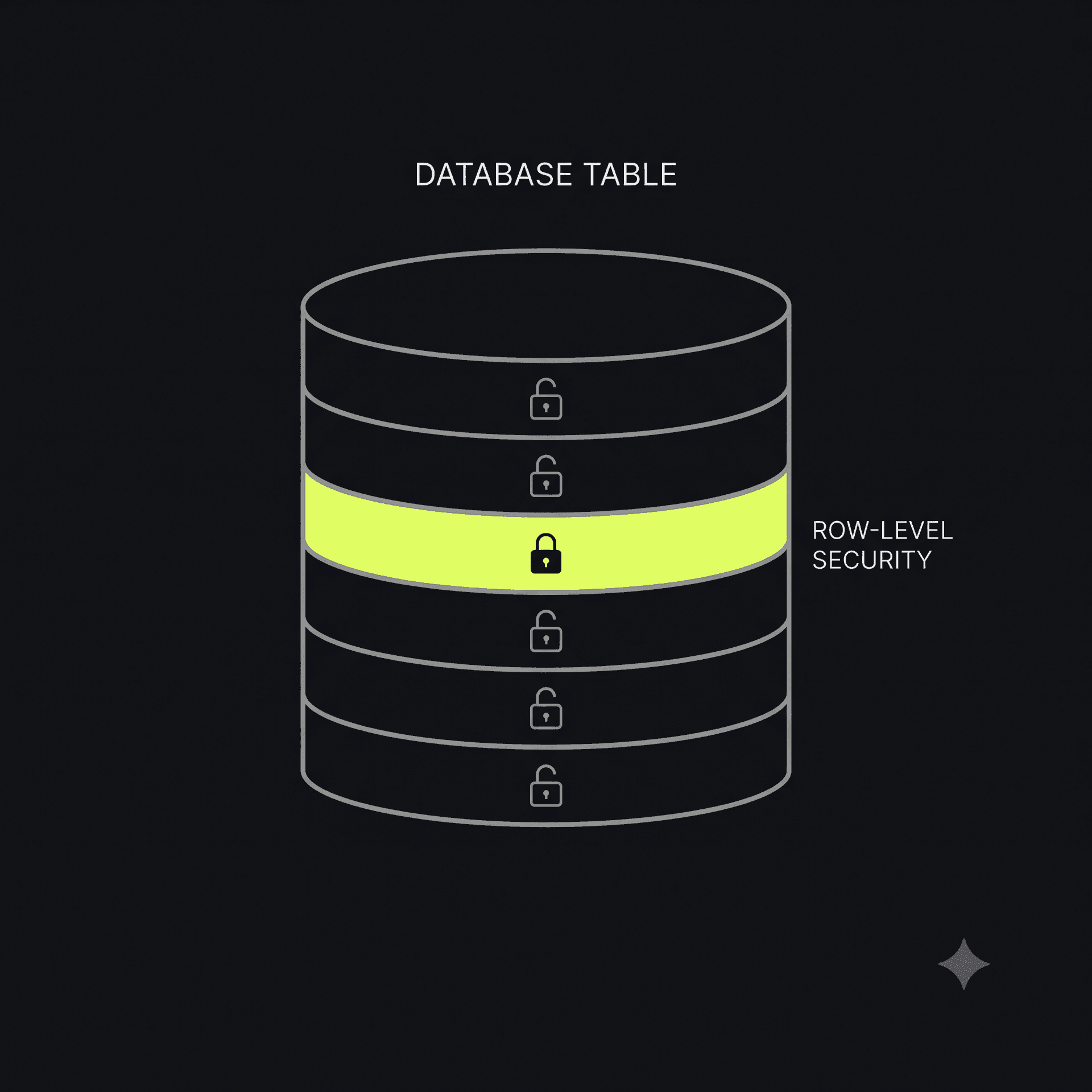
Row-Level Security (RLS) is a database rule that makes sure a user can only see and change their own rows of data — not everyone else's. Turn it off (or never turn it on), and every row in that table is fair game to anyone who can reach the database, including people who were never supposed to have access at all.
If your app uses Supabase — and a huge share of Lovable, Bolt, and v0-generated apps do — this single setting is often the difference between "user data is private" and "user data is one API call away from a stranger."
Why this happens so often
Supabase (and platforms like it) give your frontend a direct line to the database. That's what makes it fast to build with — no separate backend server required, the AI just wires up client calls straight to your tables. RLS is the thing that's supposed to sit between "the frontend can ask" and "the frontend can actually get an answer."
The catch: RLS is opt-in. A freshly created table has no row-level restrictions unless someone explicitly writes and enables a policy. During development, this is invisible — your own app works exactly the same whether RLS is on or off, because you're only ever looking at your own data. The gap only becomes obvious when someone else's request hits the same table.
Most non-technical builders have never heard the term "Row-Level Security" — there's no reason they would have. The AI tool got them a working signup form, a working dashboard, a working checkout. Nobody flagged that the orders table underneath was readable by anyone with the right URL.
What it looks like when it's off
A few realistic examples:
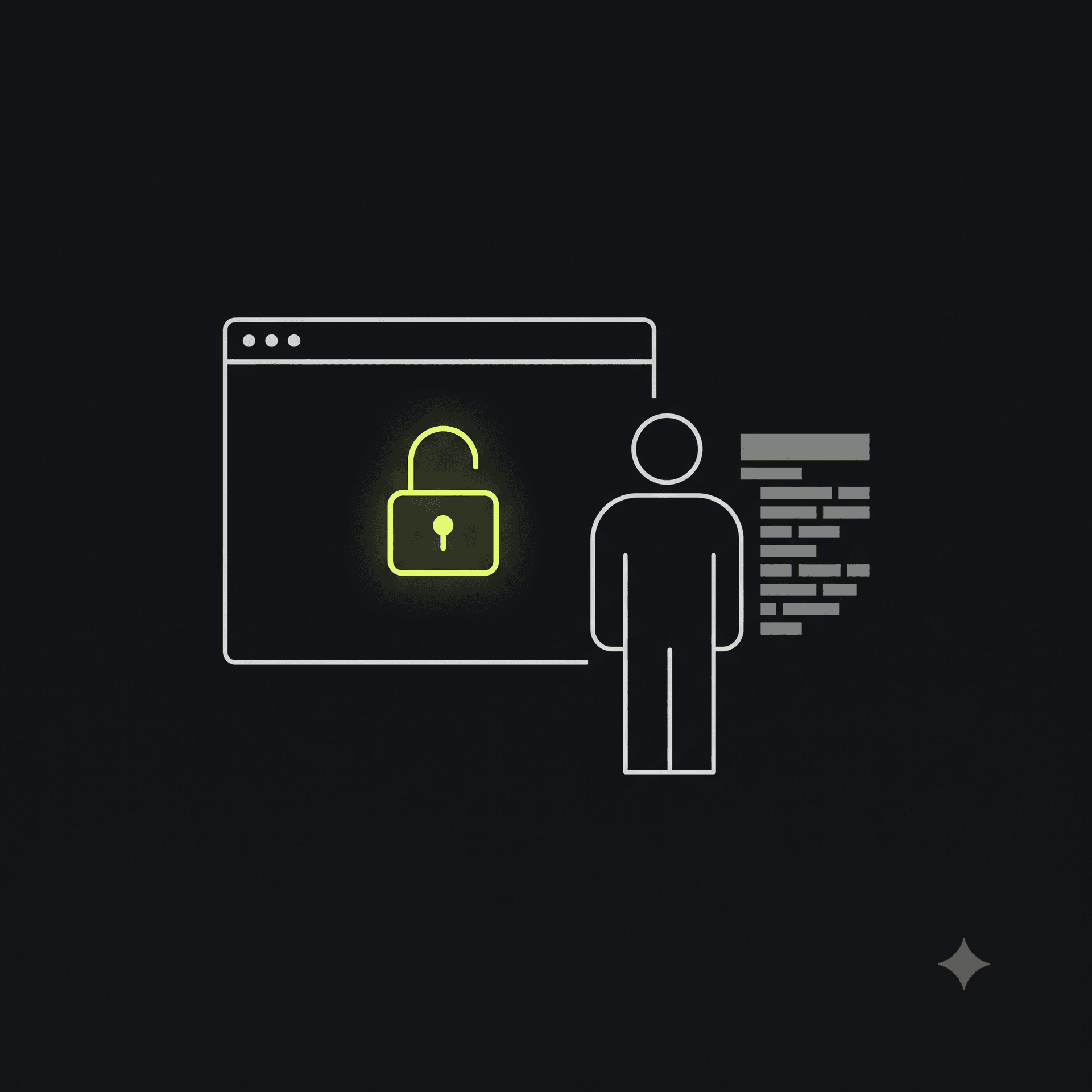
- A todo app where the API endpoint returns every user's todos, not just the logged-in user's, because the query never filters by user ID at the database level.
- A SaaS dashboard where changing a number in the URL (
/api/invoices/1042) returns someone else's invoice. - A waitlist tool where anyone can query the full signups table — emails included — without ever logging in.
None of these require hacking skills. They require noticing that a request the app should have blocked, wasn't.
How to check yours
If you're using Supabase, the quickest manual check is in your project dashboard: Table Editor → each table → RLS status. A table showing "RLS disabled" is a table anyone with your project's public API key (which is often visible in your own frontend code, by design) can query directly, unless a policy says otherwise.
If that sounds like more digging than you want to do by hand, this is exactly the kind of check ShipShield's monitoring is built for — an ongoing pass that flags an exposed table before it becomes an incident, instead of after.
Fixing it
The fix is usually a short, specific prompt back into your AI builder: enable RLS on the table, then add a policy scoping SELECT/INSERT/UPDATE to rows where the user ID matches the authenticated session. Most AI tools can do this correctly in one message — once someone knows to ask for it, in the right words.
That's the actual gap: not a skills gap, an awareness gap. Nobody needs to become a database engineer. They just need to know the setting exists.
Not sure if yours is exposed? Run a free scan — public checks run today, deeper database checks are coming to ShipShield's monitoring plan next.

Hardik Desai